Follow your curiosity.
Choose your interests and discover conversations in your network.
 kolsphere
A space for your perspective
Meet around what matters to you. Listen in, speak up, and find people worth staying connected to.
Web version available now
Works on iPhone, Android and desktop. No app-store download needed.
Add to your home screen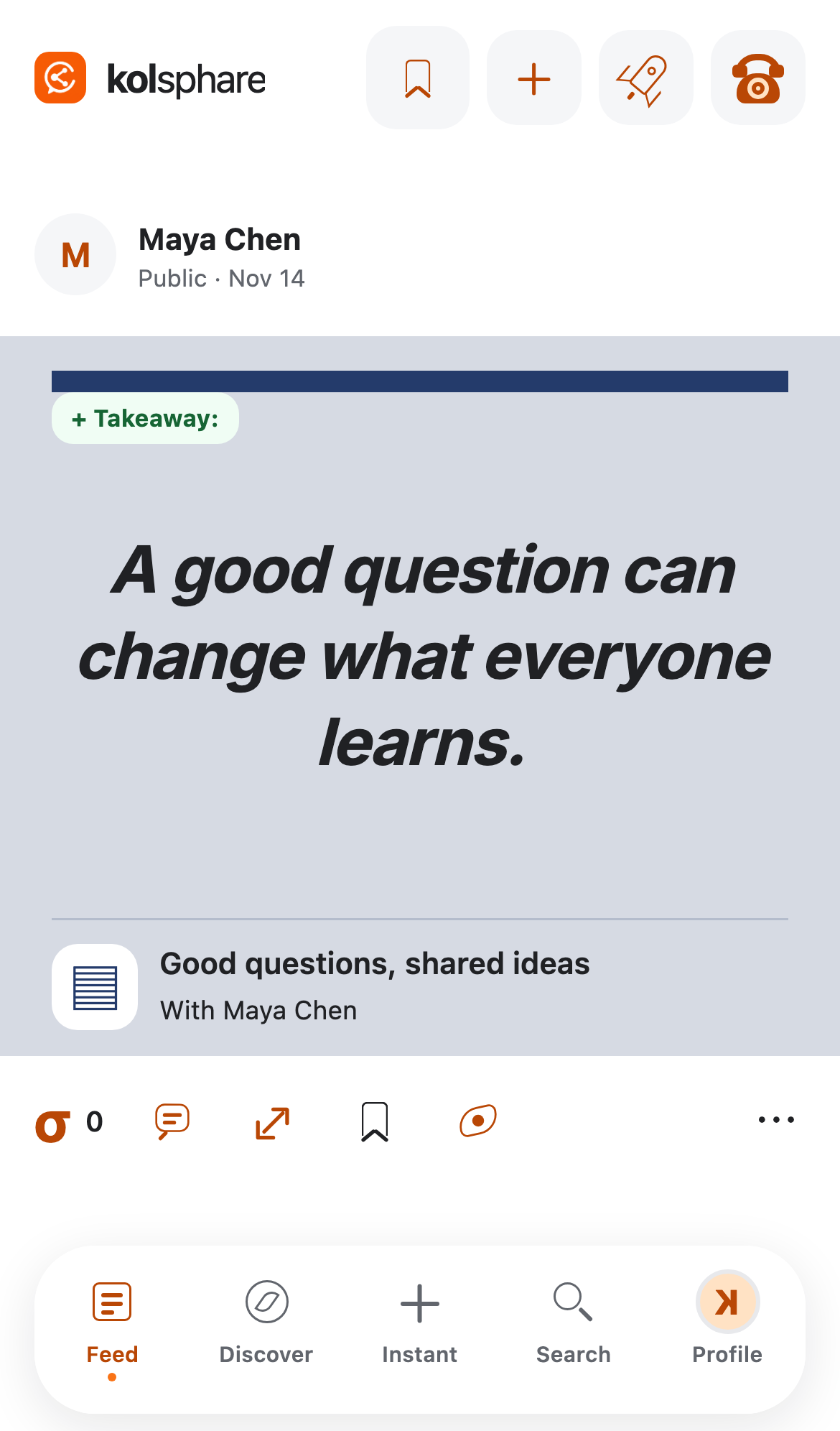
Less noise. More connection.
Choose your interests and discover conversations in your network.
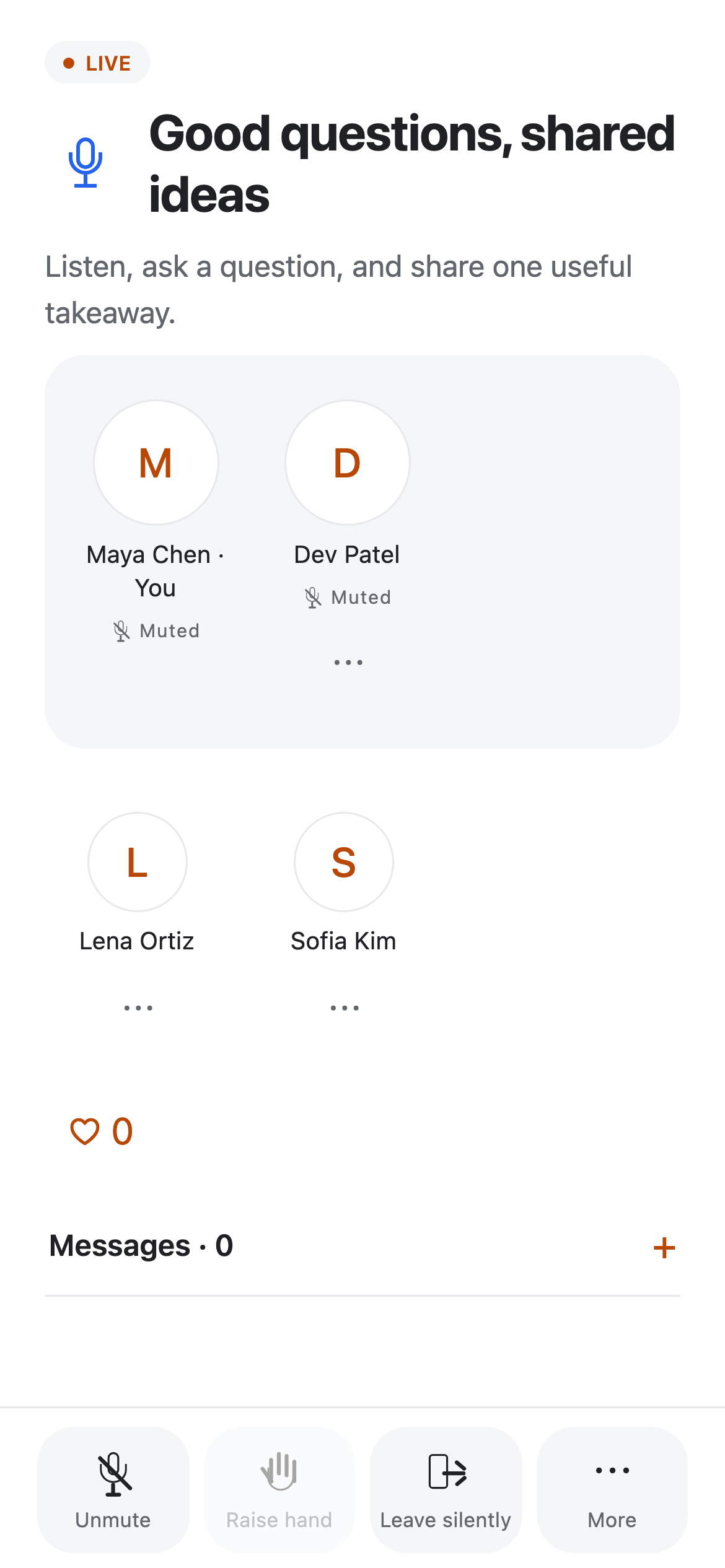
Join live audio, ask to speak, or start a session of your own. Plan ahead or go instant.
Share a session takeaway. Find a new perspective in the feed. Keep the conversation going.
Real voices. Shared interests.
For teachers, professionals, creators, and anyone with something to explore. Come to listen. Stay to contribute.
Session access follows your network eligibility. An account is required inside the app.
A better everyday experience
Open it like an app, get back to conversations faster, and keep the same account. Install from a supported browser or use Add to Home Screen. An internet connection is required.
iPhone: Open Kolsphere in Safari, tap Share, then Add to Home Screen. Enable Open as Web App if shown.
Android: Open Kolsphere in Chrome, then choose Install app or Add to Home screen from the browser menu.
Computer: Use the install icon in a supported browser’s address bar. You can always open the web app without installing it.
Open web app in this browserTake it with you
Use the web version today. Native installation links will appear here as builds become available.
Android: When the APK is available, download it to your phone, open it, and allow installation from your browser if Android asks. Only install packages from a source you trust.
iPhone: Use the TestFlight or App Store link when it becomes available. An Android APK cannot be installed on an iPhone.
Use Kolsphere on your phone or open the web app in a supported browser. Live audio requires microphone permission when speaking.